
Intro
Hello. In this walkthrough, I will be analyzing THM’s Mr. Phisher challenge.
For the challenge, we are handed a .zip file & .docm file to analyze with the goal to find the flag.
Writeup
When our lab machine boots up, we are greeted with the mrphisher folder & its contents: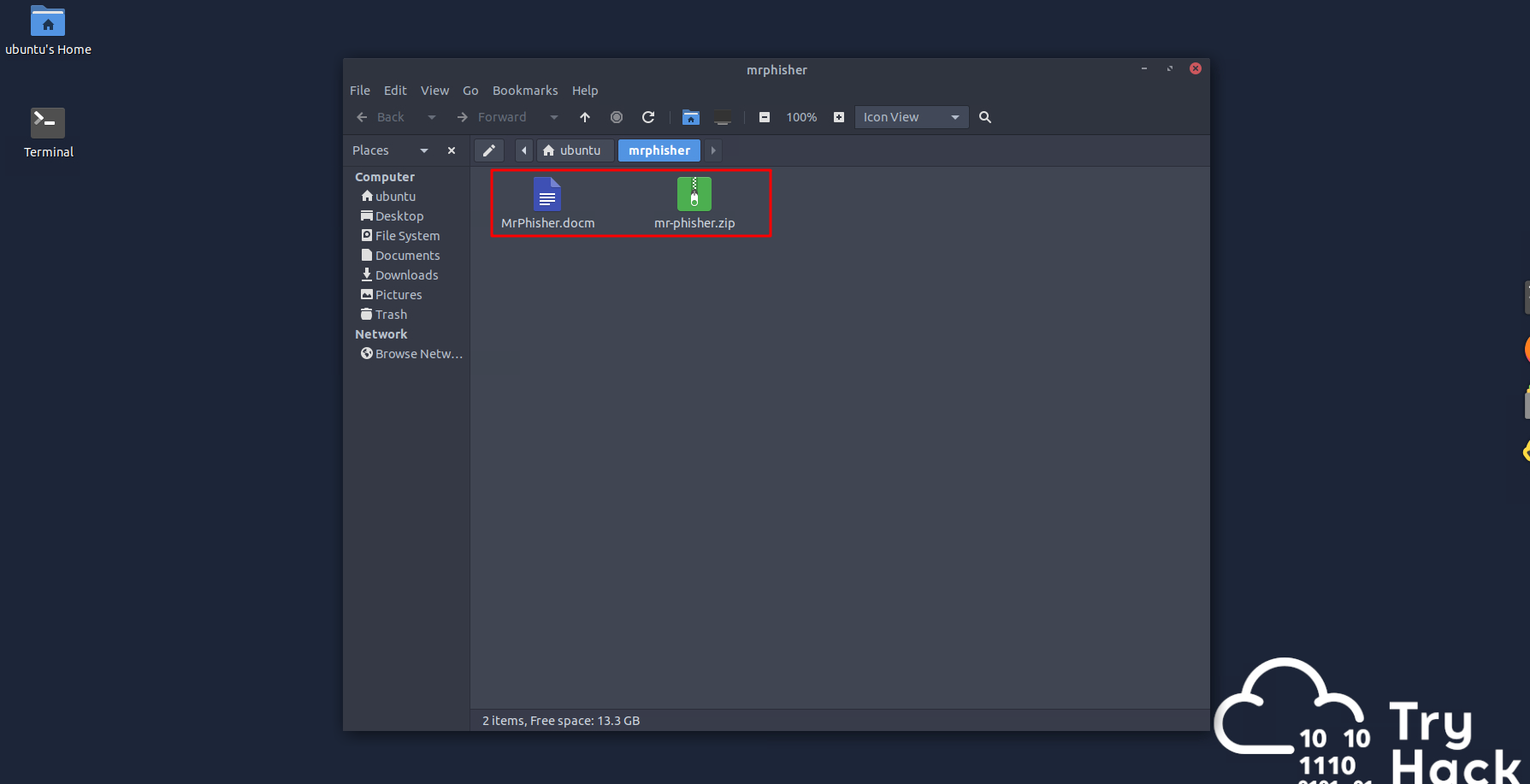
Let’s go open up the .docm and see whats up…
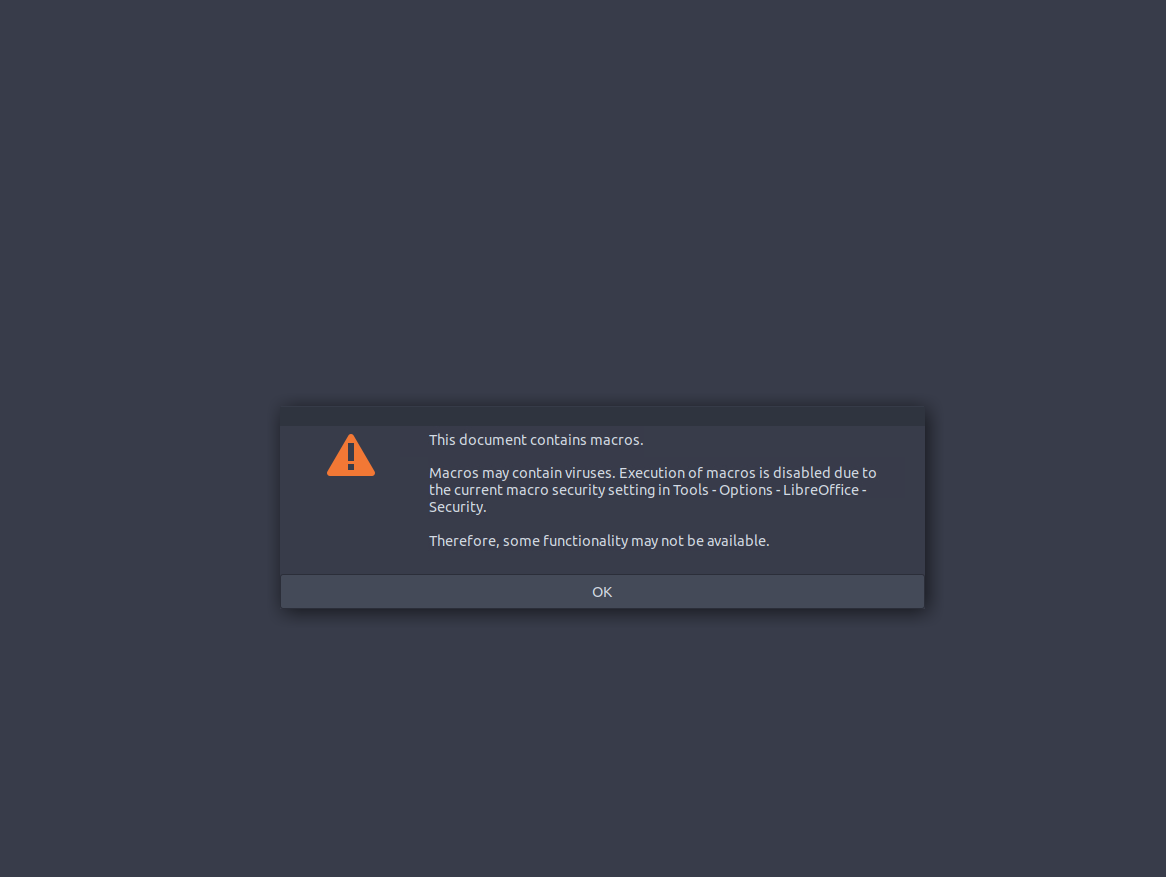
Macro within the document? Let’s note that down & continue our investigation. After clicking OK we get to see the document:
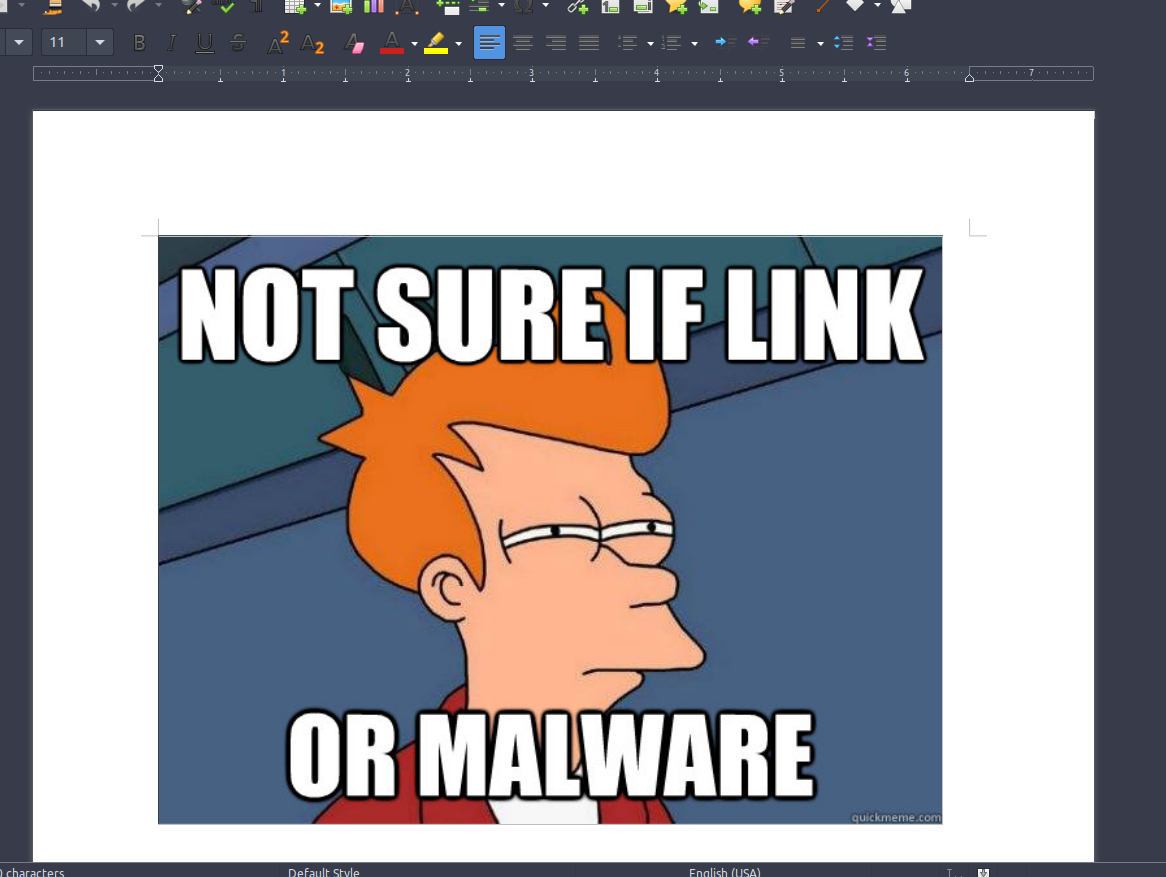
We are greeted with a meme. Clicking it doesn’t do anything, but it did mention the document has a macro! Let’s go check that out and see whats up with the macro. We will go to Tools -> Macros -> Edit Macros: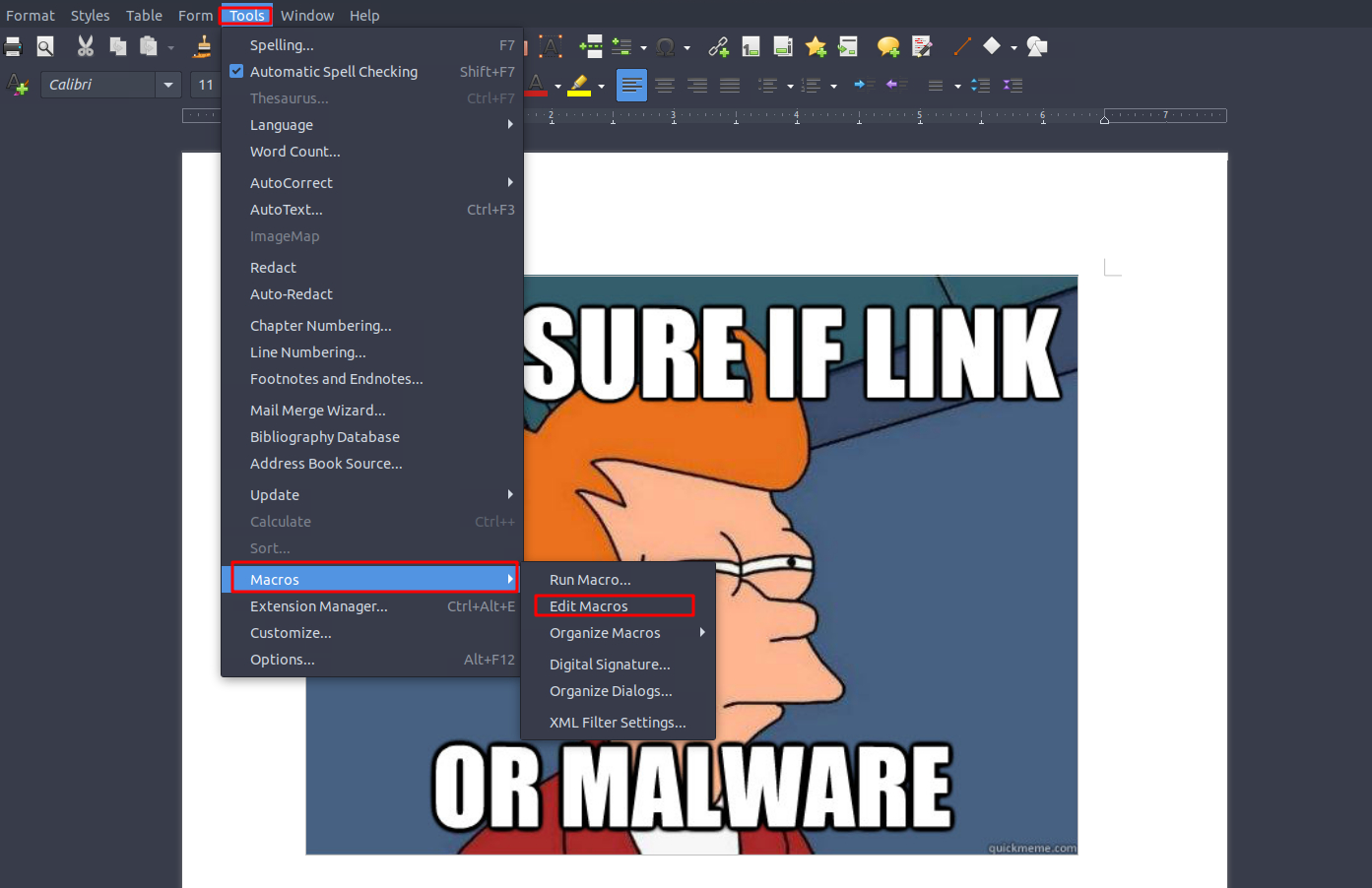
After doing that, we are greeted with a tab that contains the catalog of macros & a text box which contains the macro program. Since the program told us there is a macro within the document, let’s go to the document & check what the program is!
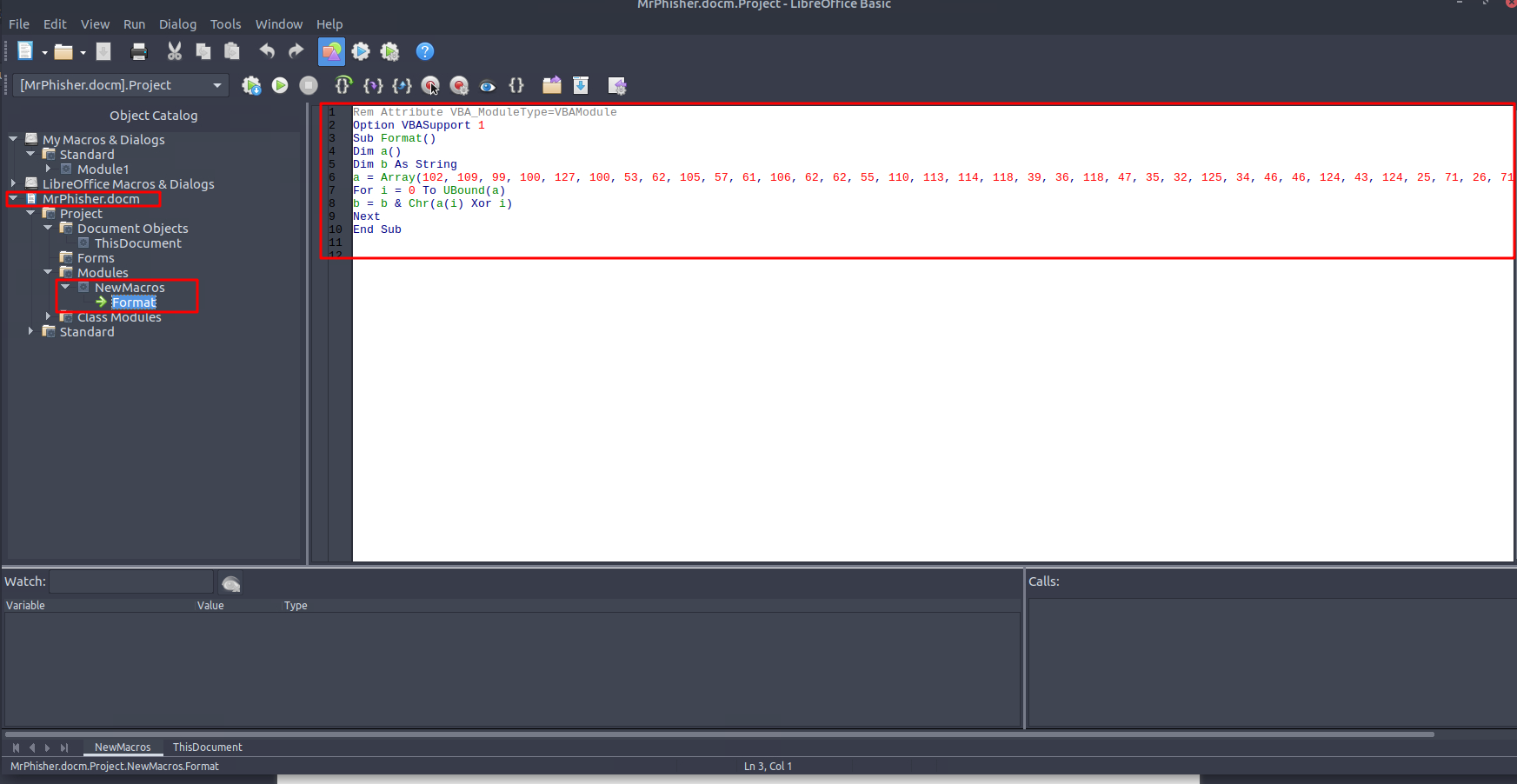
Looks like we have a visual basic script! Our next step is to figure out what this program does. We are pretty lucky for the program to be small & simple, so let’s first analyze it then continue on our path to the flag…
The Program
The macro script is simple & isn’t very scary; we can easily reference online documentation & figure out what each line does.
Dim is used to declare & reserve memory for a variable. We can see 2 variables declared:
Dim a()- Variableais declared as a dynamic array. Since its data type isn’t given, it defaults to VariantDim b As String- Variablebis declared & its data type is set to string.
Right after the variables are declared, Variable a is initialized:
a = Array(102, 109, 99, 100, 127, 100, ...)
This variable is an array, a data structure with elements (anything within the parentheses are the array’s elements.)
Below the array initialization, we have a For loop:
For i = 0 To UBound(a)
b = b & Chr(a(i) Xor i)
Next
This loop works by setting a control variable & having the loop iterate through every element in the array.
a(i) takes the element from the array at position i.
a(i) Xor i) performs a bitwise XOR operation between the element and i.
Chr() converts the value within the parentheses into its corresponding ASCII character.
b = b & takes the existing string b, and then concatenates (joins) the value of Chr(a(i) Xor i) to the end of the b string.
When looking at this program; we notice that the array values are XOR’d with their index i, which are then decoded into corresponding ASCII characters with the Chr() function, and then the value is concatenated to the end of the b string. This program builds something! Let’s try running it (of course, in a controlled environment! Never run suspicious programs outside controlled environments.).
There is lots of ways to see what this program builds:
- Rewrite it in a different programming language
- Run the script on OnlineGDB (really good util for testing & running small programs.)
- Manually decode the whole thing (have fun doing this, if you do it for some reason.)
I will go with OnlineGDB as it is the fastest.
Note: We cannot run the script right away as we need to use a more strict form of VB to get it to run on OnlineGDB.
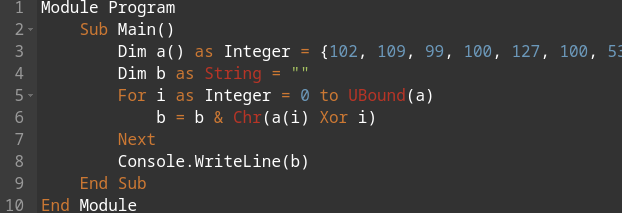
After finally rewriting the program, once we run it we get the flag (blurred):